Ubuntu server: install Alsa sound and MOC (Music On Console)
1. To install Alsa sound (alsa-base, alsa-utils, alsa-tools and libasound2) enter this command:
sudo apt-get install alsa alsa-tools
2. Add yourself to the group audio:
sudo adduser yourusername audio
3. Reboot to take effect
sudo init 6
4. Alsamixer is sometimes muted by default, so you might need to unmute it. Run alsamixer:
alsamixer
Use arrows up and down to change volume, left and right to change source. To mute/unmute press M.
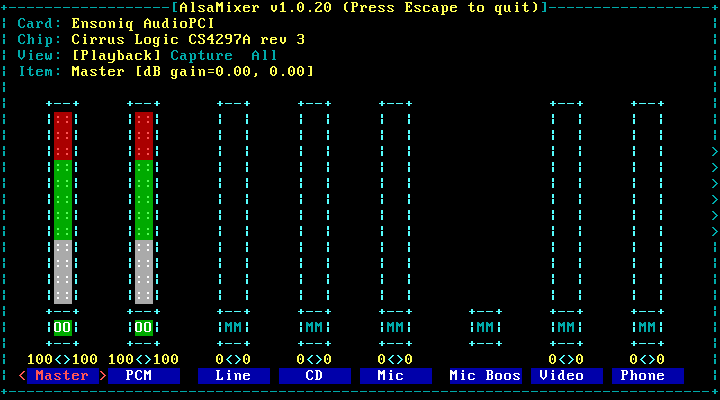
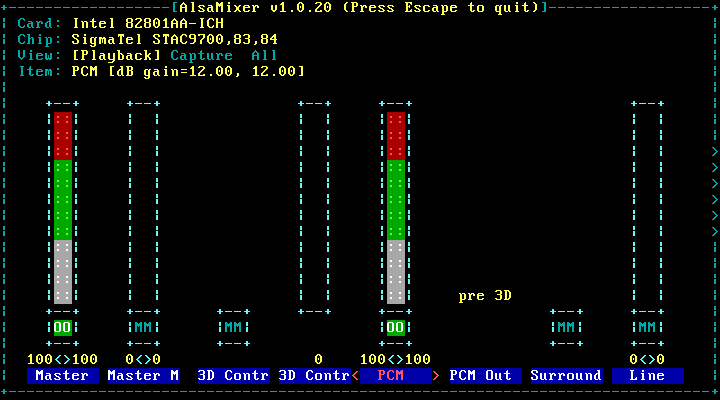
Note: Alsamixer might look different in any machine. It depends on your sound device (sound card). Please, read audio source labels. For example: PCM in Virtualbox is on fifth place instead of the second in VMWare.
Alsamixer in VMWare
Alsamixer in Virtualbox
To quit press Q.
If any error occurs, look here.
Play some music
1. Install MOC (Music On Console) player:
sudo apt-get install moc
2. Run MOC:
mocp
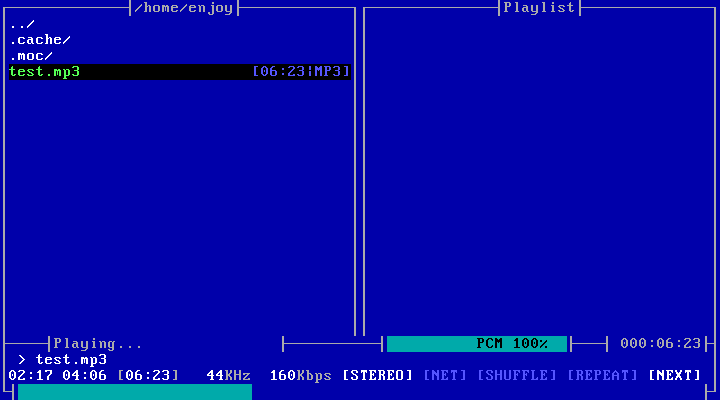
Press H for HELP.
You can also try MPlayer, mp3blaster, CMus.
koko63
7 Feb, 2020
Thank you very much!
I had problem with low max volume level of my external sound card.
Didn’t know how to install alsa mixer on Ubuntu 19.10.